

Turn a matter chat into work product and keep drafting in Grella. Citations, contributors, review status, and export controls stay close to the document.
Matter conversation
Draft the response to the access restriction using the revised sequence and contemporaneous notice.
CITED CONTEXT
Facts, chronology, and supporting pages
Building work product
Work product
Access-delay response memo
Read the draft
Read a sample work product.
Open a prepared response memo, read its source references, and return to the work-product collection.
Useful work, not just answers
Give the analysis a purpose.
Tell Grella what you are preparing and who it is for. These are examples of work product, not fixed templates.
- Matter briefing
Bring the current position, key evidence, and open questions together for a colleague.
- Response memo
Build a draft around an issue, the supporting facts, and the points that still need checking.
- Interview outline
Prepare questions for a witness using the events and gaps in the matter record.
- Chronology summary
Turn the dated sequence into a clear account, with sources close to key statements.
From analysis to work product
Turn a useful answer into work product.
Move cited analysis into a draft without copying it into another tool or losing its matter context.
- 01
Cited analysis
Build the analysis from the matter record.
- 02
Work product
Turn the analysis into a draft that stays with the matter.
- 03
Lawyer review
Check the words, sources, status, and final document.
Matter work product
Find the current draft and its status.
Return to the current draft without searching old chats or rebuilding the matter context.
Lawyer-controlled work
The draft stays reviewable from first line to export.
Citations, contributors, review status, and sources stay close to the work product.
Read about security- Cited context
- Open the facts and pages behind key statements.
- Visible review
- See who worked on the draft and whether review is still open.
- Final control
- The lawyer checks the wording and controls the final document.
Inside the draft
Review the draft before it leaves Grella.
Read the document, check its source references, and review the proposed response before sharing it.
Formats and continuity
Continue the draft in the format it supports.
An editable record, a generated Word file, and an exported copy have different controls.
- Edit and return
Matter work products persist across chats with source references and artifact history. Rich text supports direct editing. Generated Word work has a PDF preview, Word/PDF downloads, and an assisted revision path under the same work-product identity.
- Keep the boundaries clear
Word generation and preview are not an embedded Word add-in or simultaneous co-editing. The reviewed scope does not include a native contract-redlining workflow, contract Playbook, or clause Library. The separately developed complete Templates workflow is not included as available in this comparison baseline.
- Export and review
A downloaded document is not a live Grella screen. Check the wording, legal position, and cited material before sharing or revising an external copy. Saving a work product is not legal approval, and new evidence does not silently rewrite it.


Start with analysis in a matter chat, then turn it into a draft. Describe the purpose and audience so the work has a clear direction. Keep editing in the matter workspace.
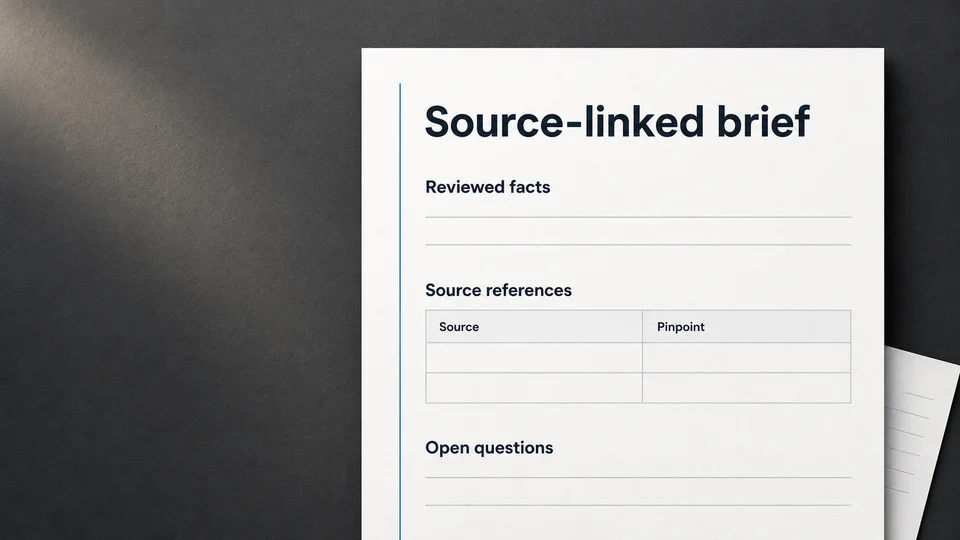
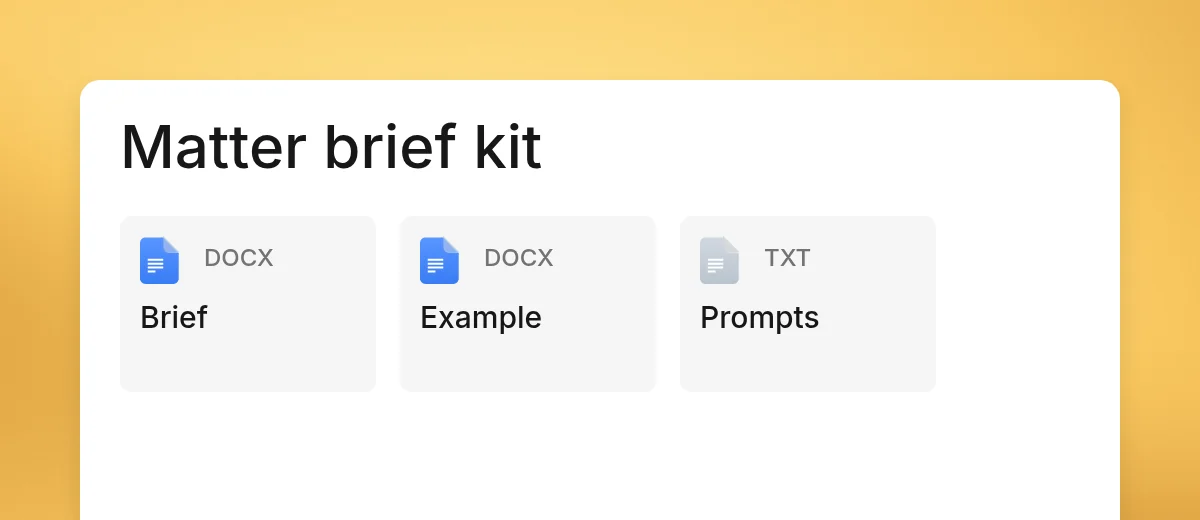
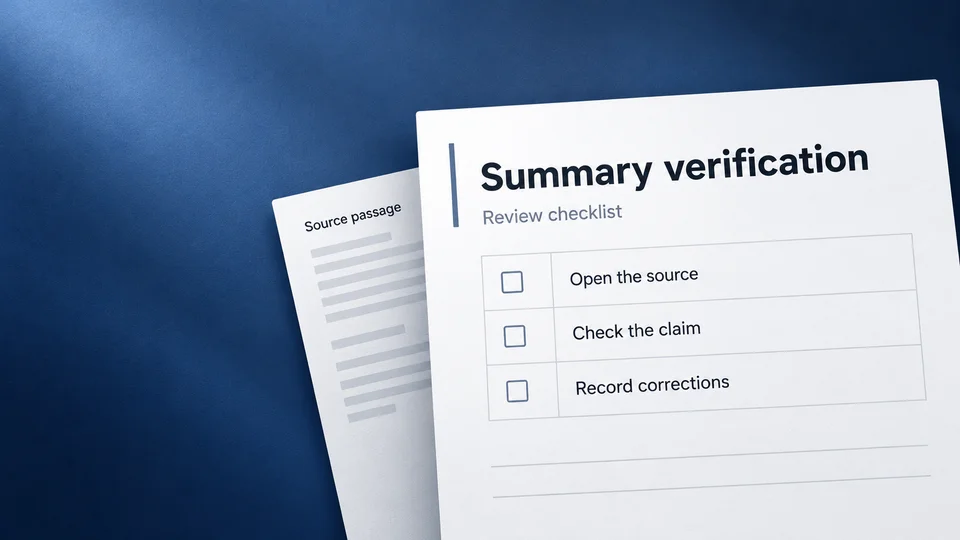
Prepare work another lawyer can check
Use the method with your firm’s approved tools, or start with the editable files. The examples are fictional.
Guided demo
See how cited analysis becomes work product.
Walk through a demo matter. Start with cited analysis, build a draft, and check the sources before export.